Apply a shared aspect ratio
Choose a square, portrait, landscape, story or photo ratio and center-crop every image in the batch.
Center-crop your images to a consistent aspect ratio, all in one batch.
Select multiple images at once, or add more later
JPG, PNG or WebP · Up to 30 images, 20 MB eachSkip the one-at-a-time routine.
Get your images ready together.
No uploads, no stored copies.
Everything happens on your device.
Meet AI-powered image upscaling
Choose a square, portrait, landscape, story or photo ratio and center-crop every image in the batch.
The crop removes excess edges while preserving the pixels inside the selected centered region. Output dimensions depend on the source.
The tool uses the geometric center, not face or object detection. It does not offer a manually repositioned crop for each photo.
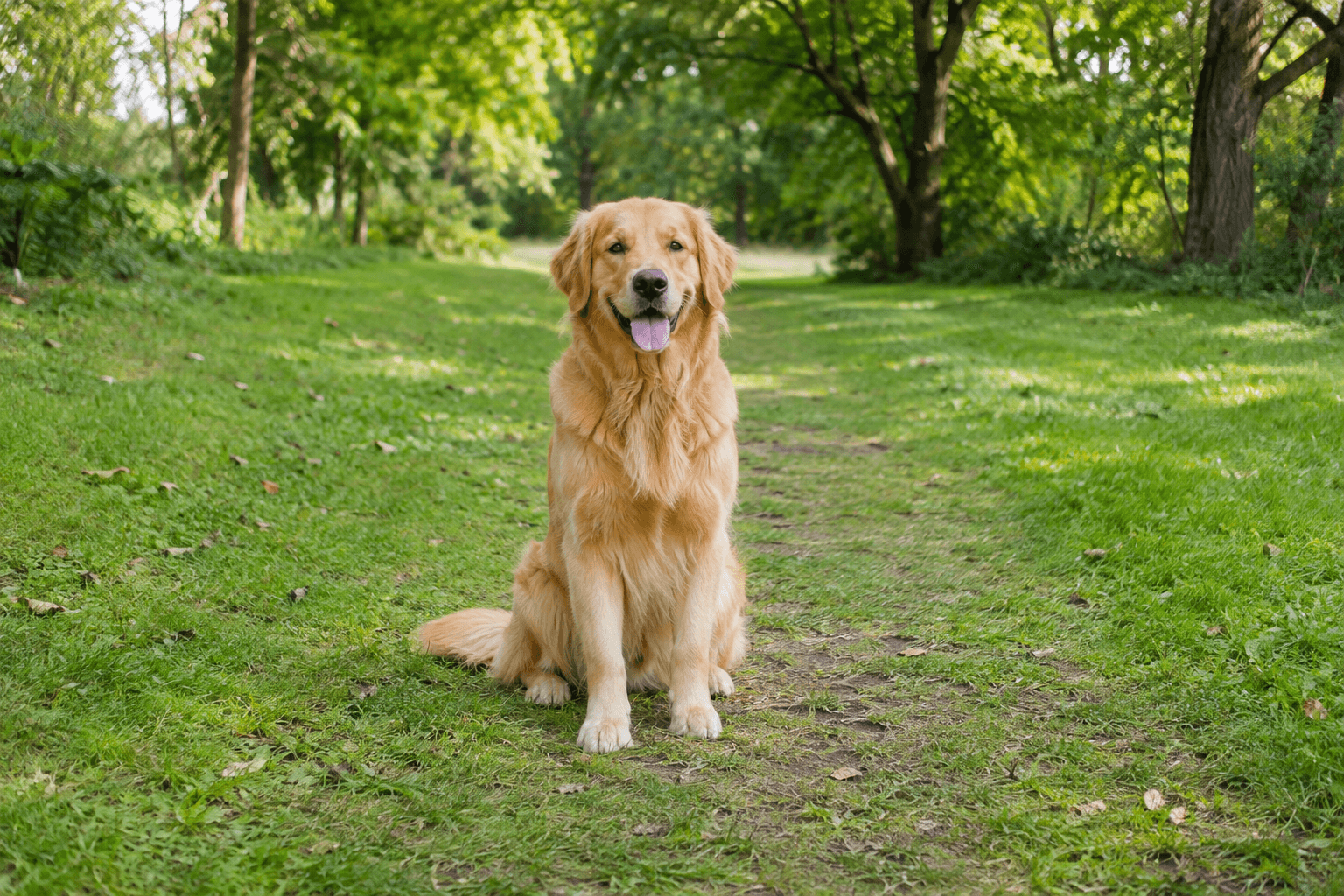
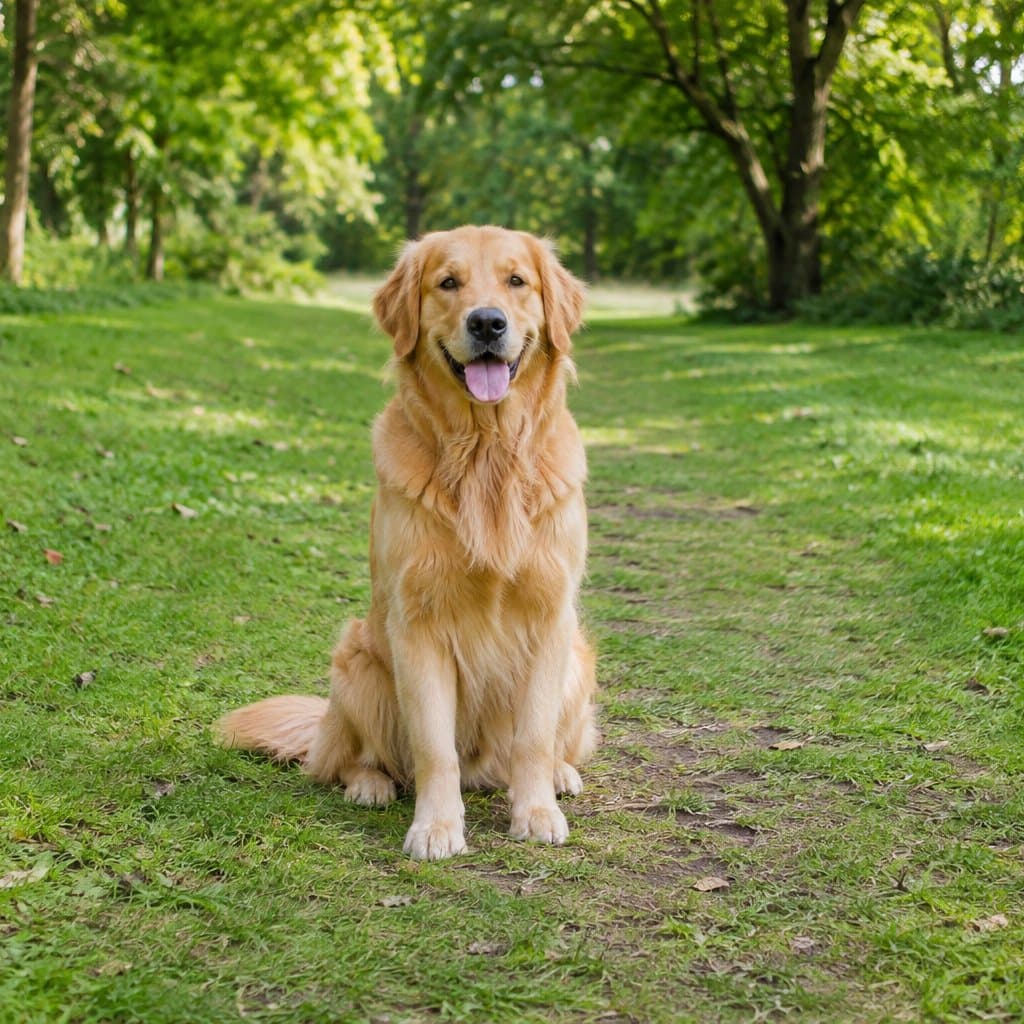
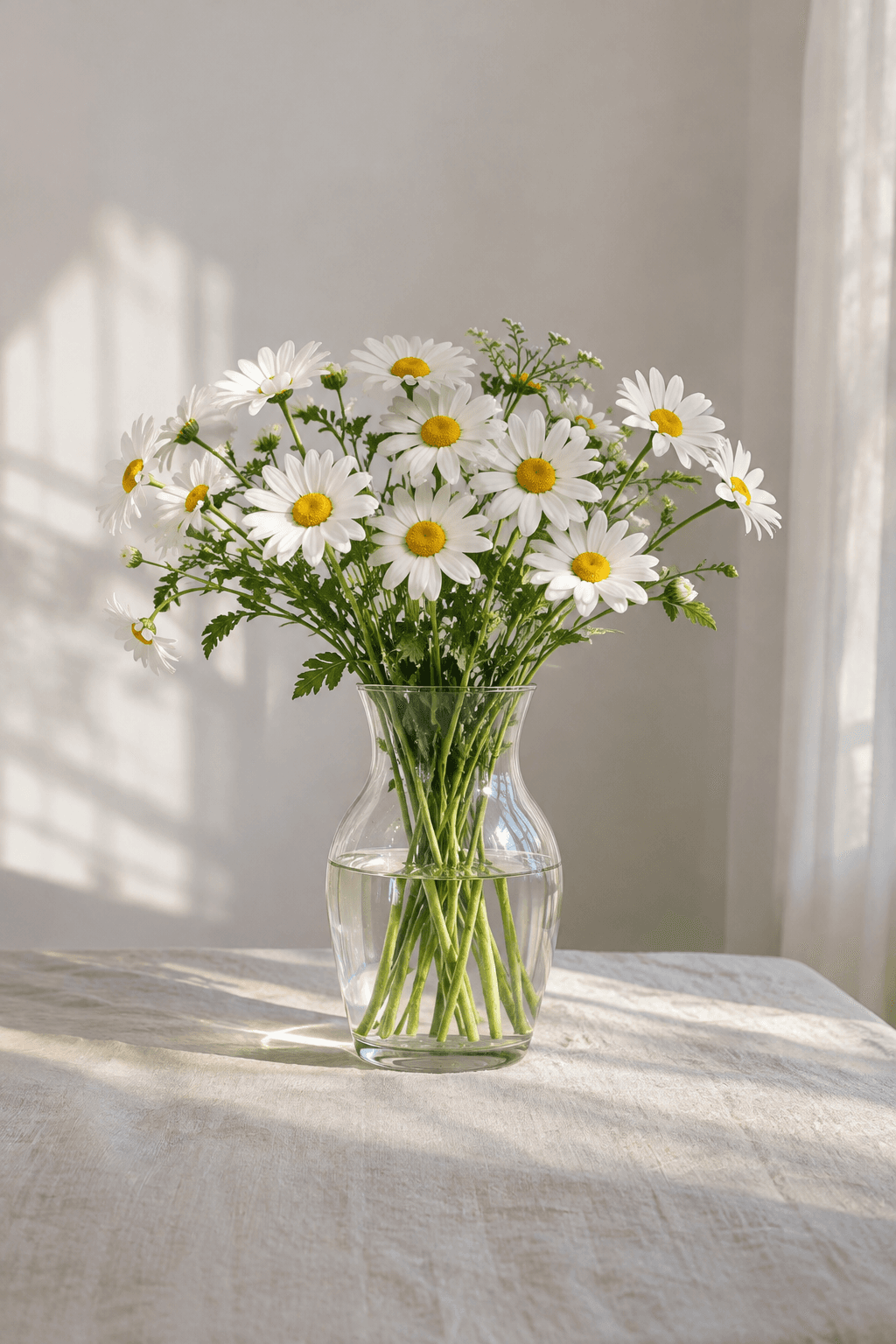
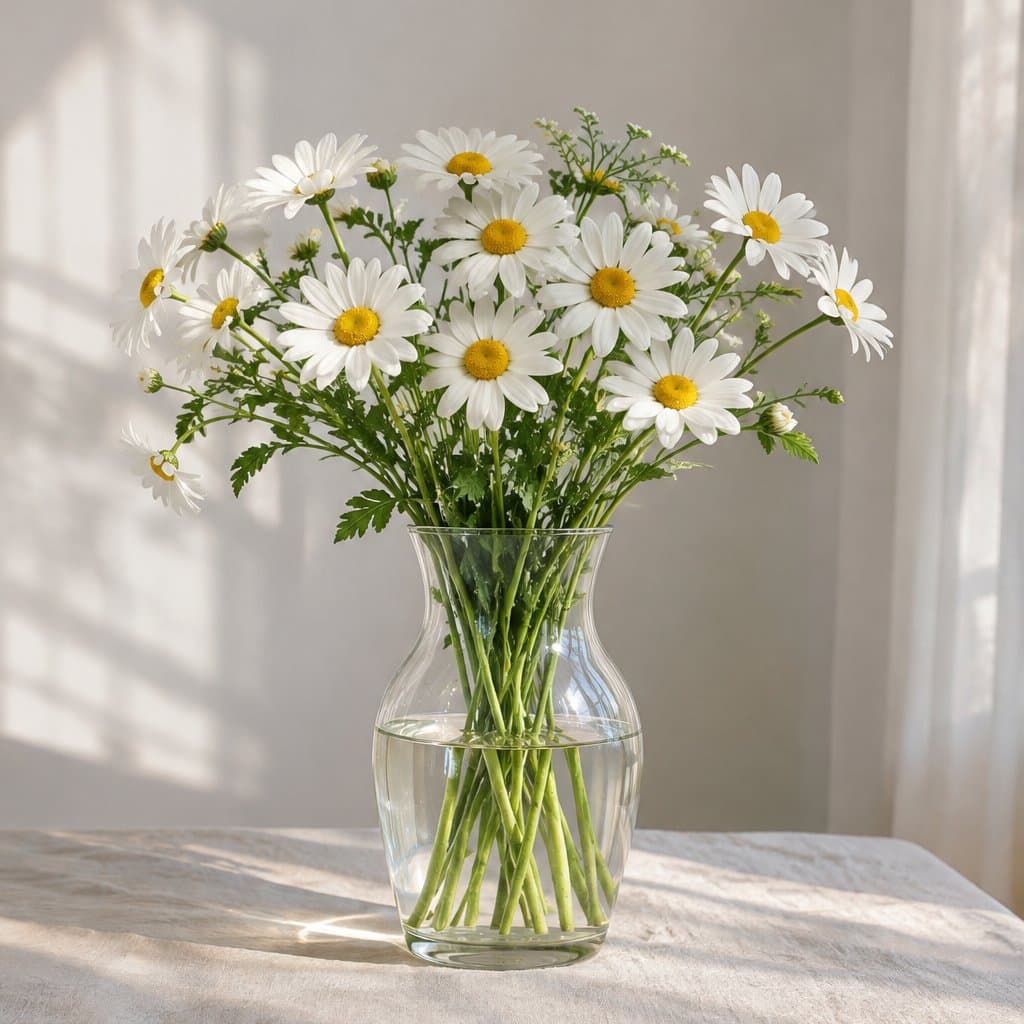
One 1:1 center-crop setting applied to landscape and portrait images. The crop guides show which part of each original is kept.
Prepare matching square proportions for a collection of preview images with centered subjects.
Use a portrait ratio for vertical card layouts, checking that the central crop keeps the important part of the image.
Prepare wide images for a landscape frame without stretching the source to fit.
Choose one framing ratio for the collection instead of drawing a new crop for each centered image.
Cropping removes edges rather than squeezing the whole image into a new shape.
Each processed thumbnail displays the actual crop. Download suitable results and remove images that need a different composition.
Standardize the aspect ratio before assembling a gallery whose cards need matching proportions.
Use automatic center cropping when the important content sits safely inside the middle of the frame.
Crop to the frame’s ratio before placement, while keeping a copy of the uncropped original for other uses.
No. The current crop tool always keeps the center. Use a manual image editor if your subject is near an edge.
Not necessarily. The selected ratio is shared, but pixel dimensions depend on each original. Resize the cropped results if you also need a common width.
The presets are 1:1, 4:5, 16:9, 9:16 and 3:2. These are ratios, not promises of compliance with any platform’s current upload requirements.
The original file on your device is unchanged. Reprocess that original to use a different ratio; removed edges are not present in the downloaded crop.
Yes. This free tool runs in your browser without an account. You can process up to 30 JPG, PNG or WebP images per batch, 20 MB each.